Switch Your Style
In Seconds

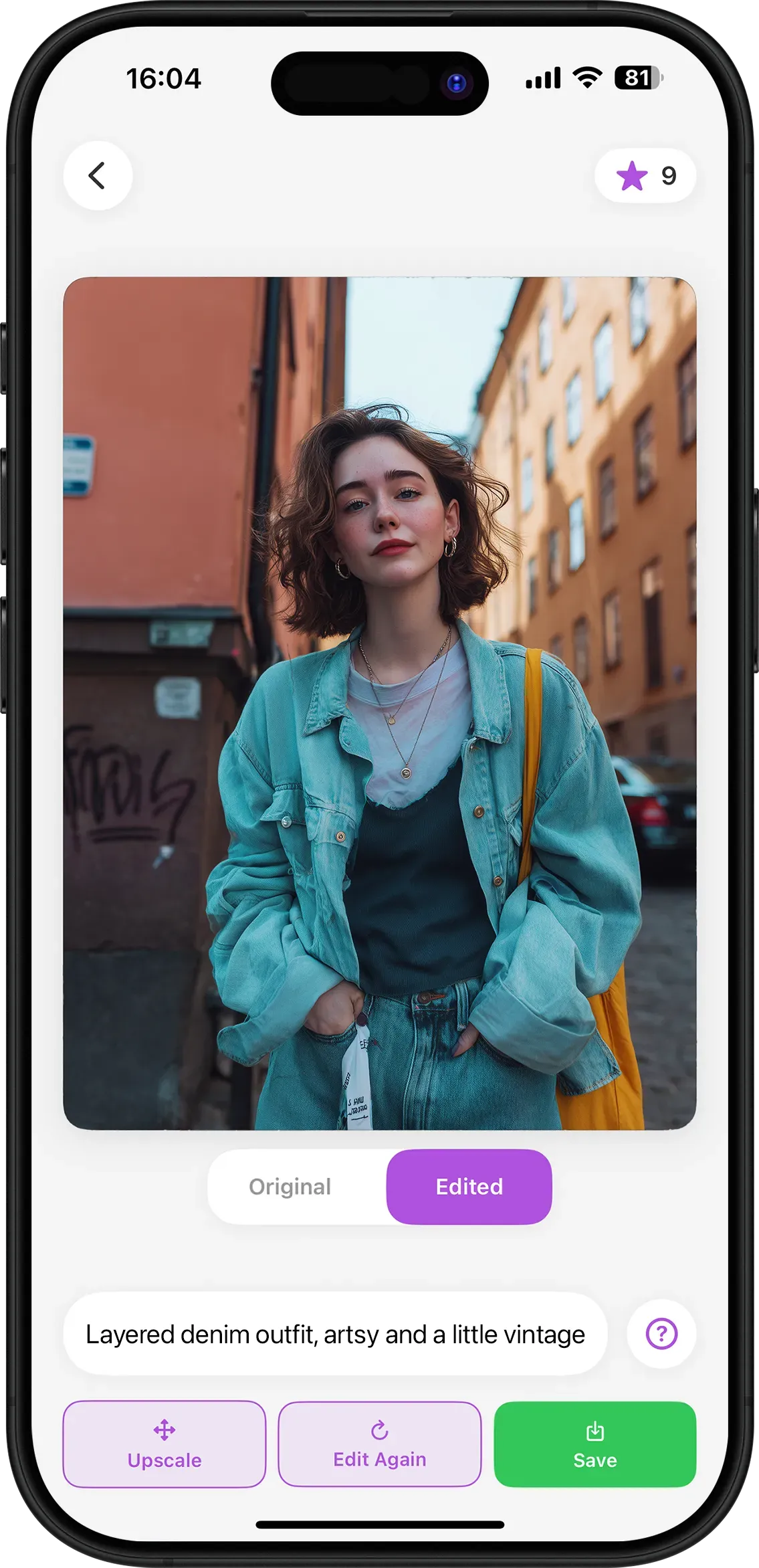
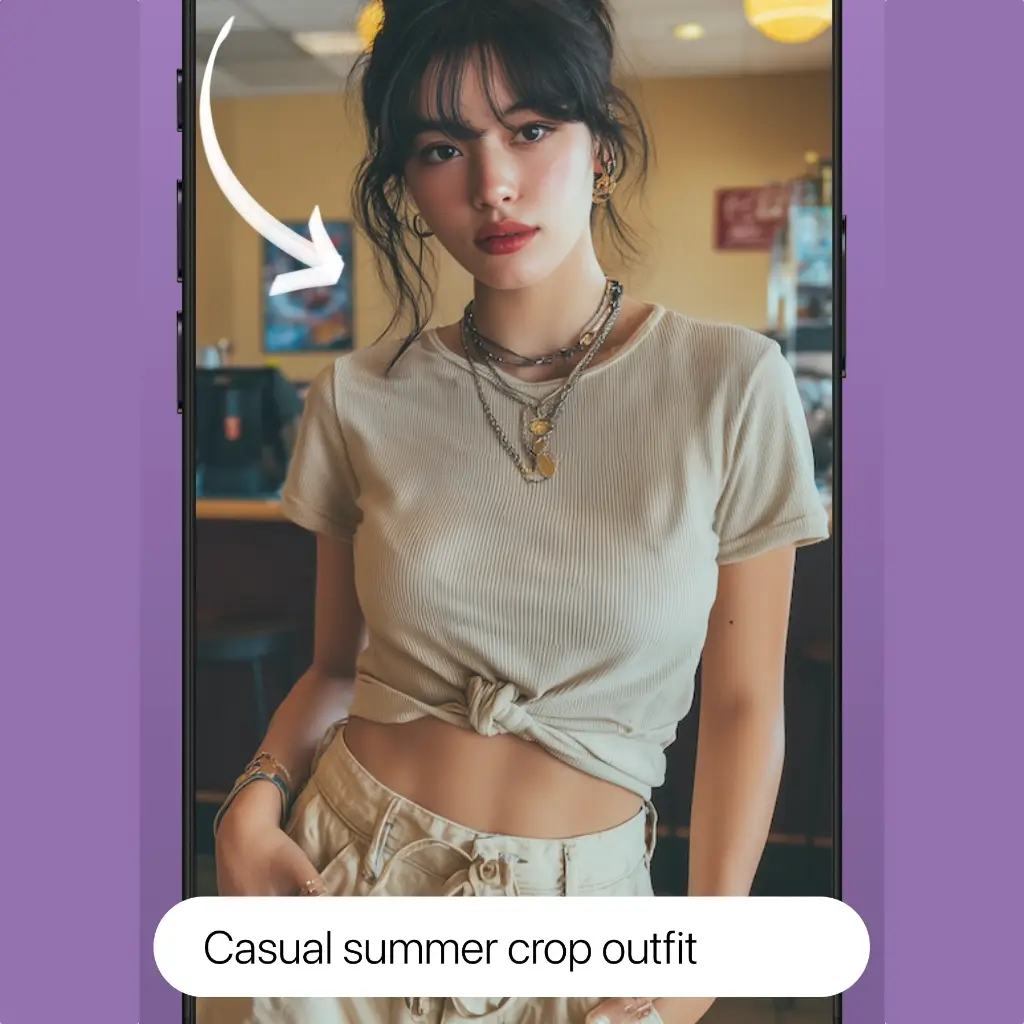
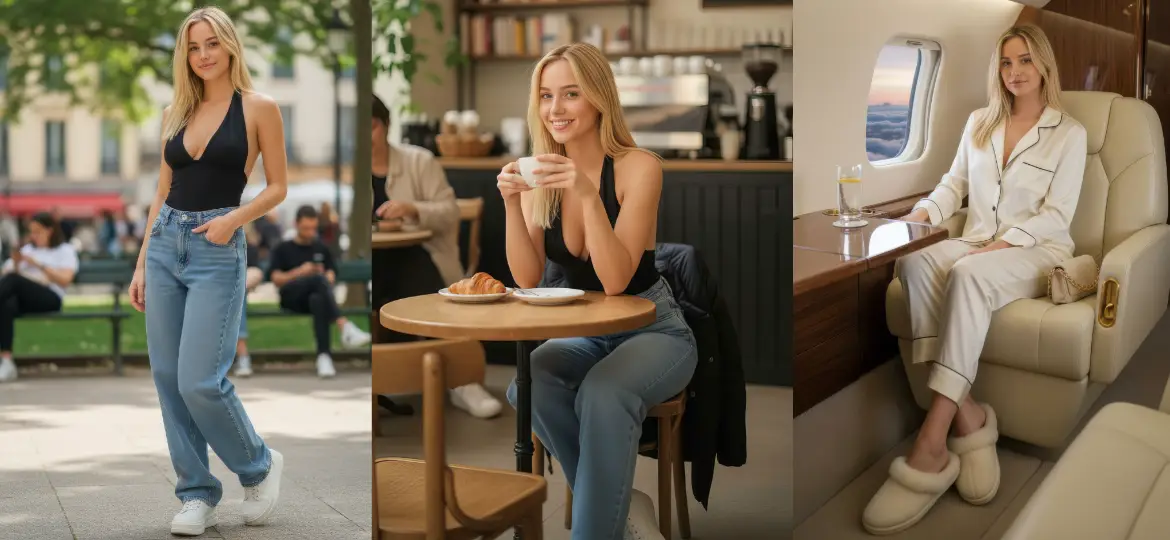
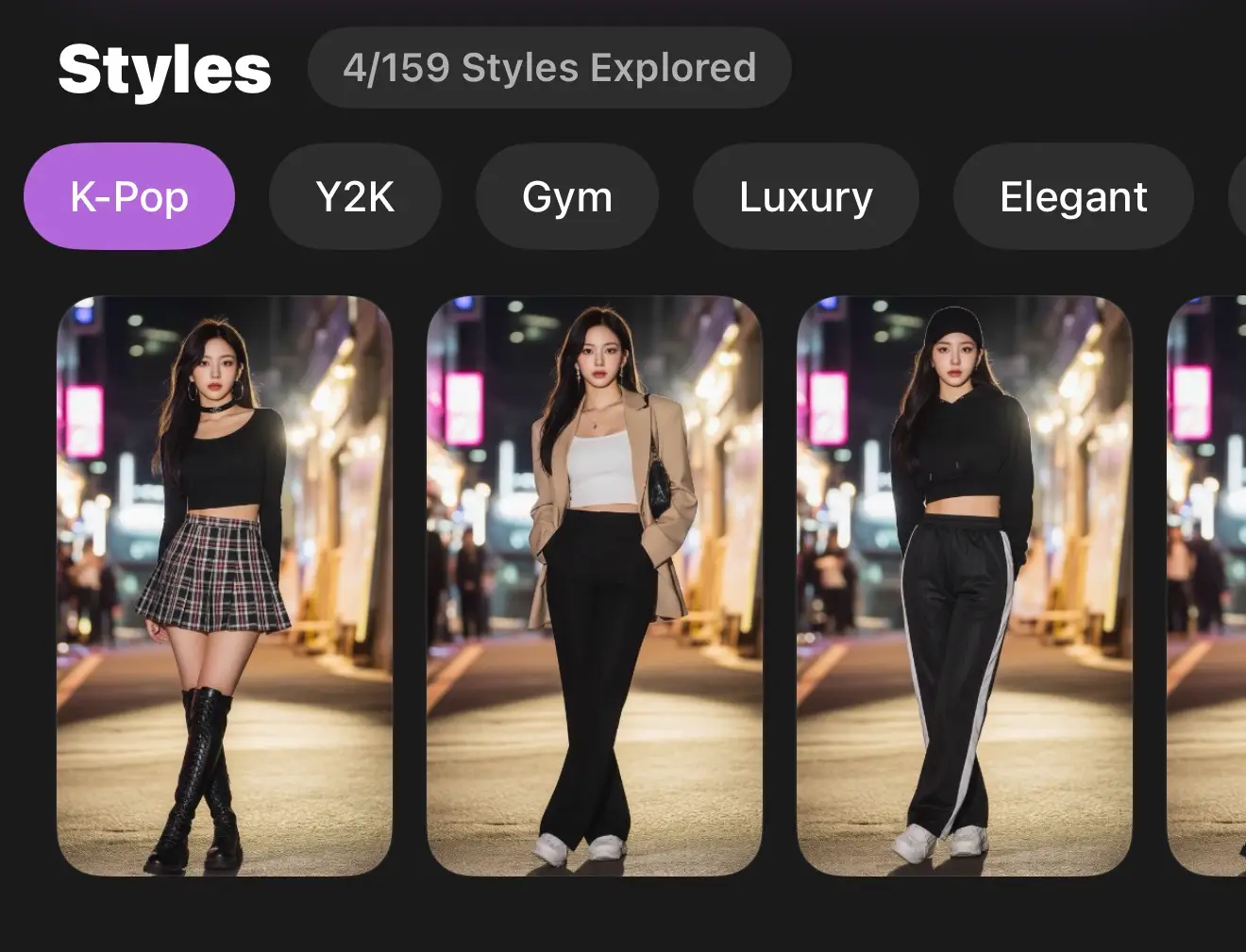
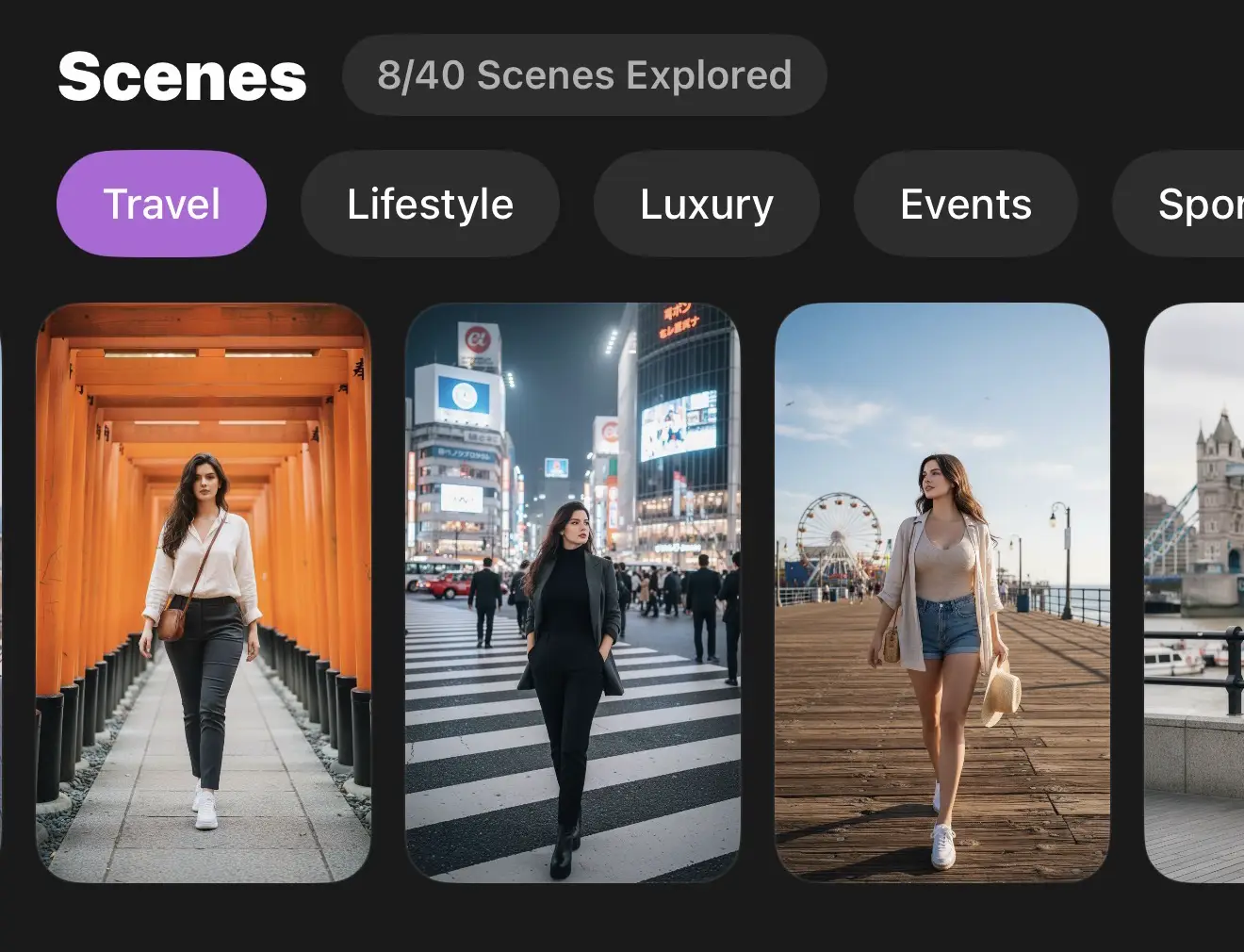
Describe any outfit and see yourself wearing it in seconds. Try on clothes from reference photos, explore 150+ premade styles, or place yourself in 40+ stunning scenes.


Start Creating →

No download • Try any outfit • Results in seconds

Also on mobile

Try any outfit • Results in seconds

⭐ 4.8/5 User Rating
100,000+ Outfits Generated
New outfits in seconds
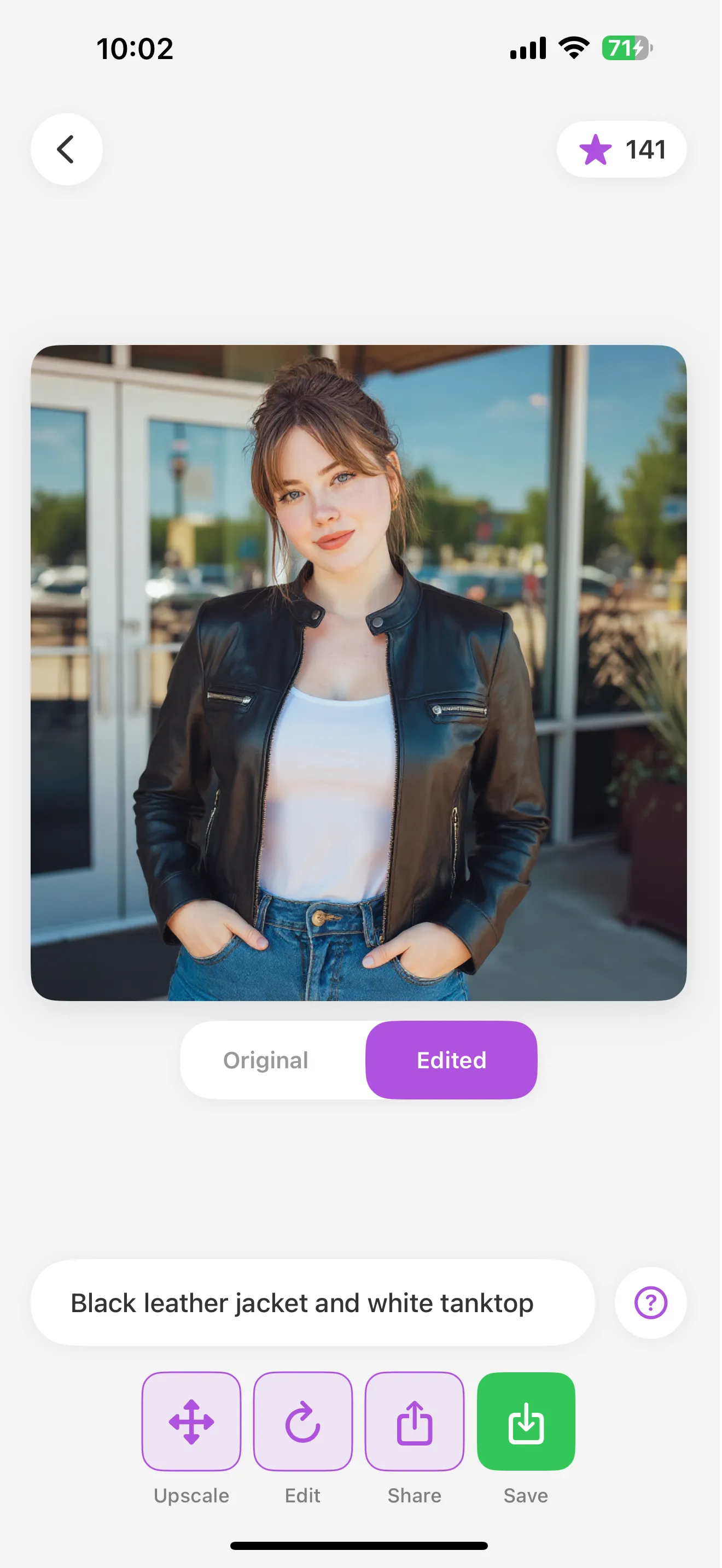
PixRobe App Screenshot

5 Ways to Transform Your Look

Every tool you need for AI-powered fashion experimentation

Outfit Planning Content Creation Shopping Decisions Wardrobe Visualization

Try All 5 Modes Free

Download PixRobe and get free credits to explore every feature

Try in browser →

Powered by Advanced AI

Experience the future of fashion with cutting-edge artificial intelligence

🎨

Instant Style Changes

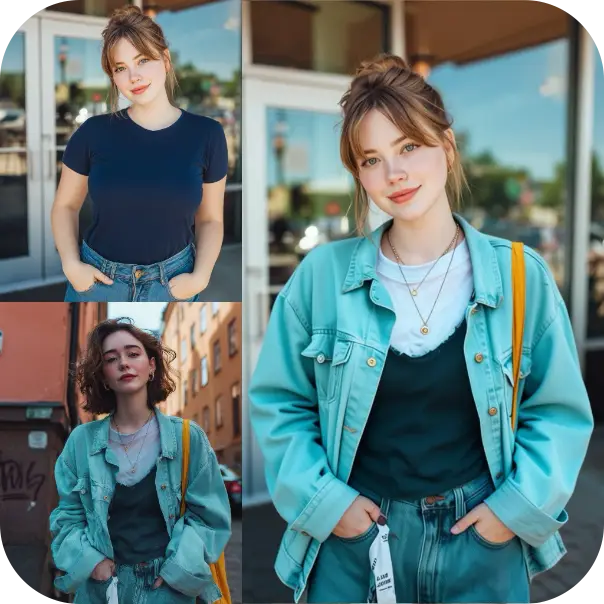
Upload your photo and watch as AI seamlessly changes your outfit in seconds. From casual to formal, we've got every style covered.

🧠

Smart AI Recognition

Our advanced AI understands body shapes, lighting, and poses to create realistic clothing transformations that look natural.

👗

Unlimited Styles

Wear anything you want, casual, formal, streetwear, gym outfits and new styles you have never seen on yourself before.

Lightning Fast

No waiting around. Transform your look faster than it takes to change clothes or shop for new ones.

How It Works

Transform your style in three simple steps

1
Upload Your Photo - Step 1

Upload Your Photo

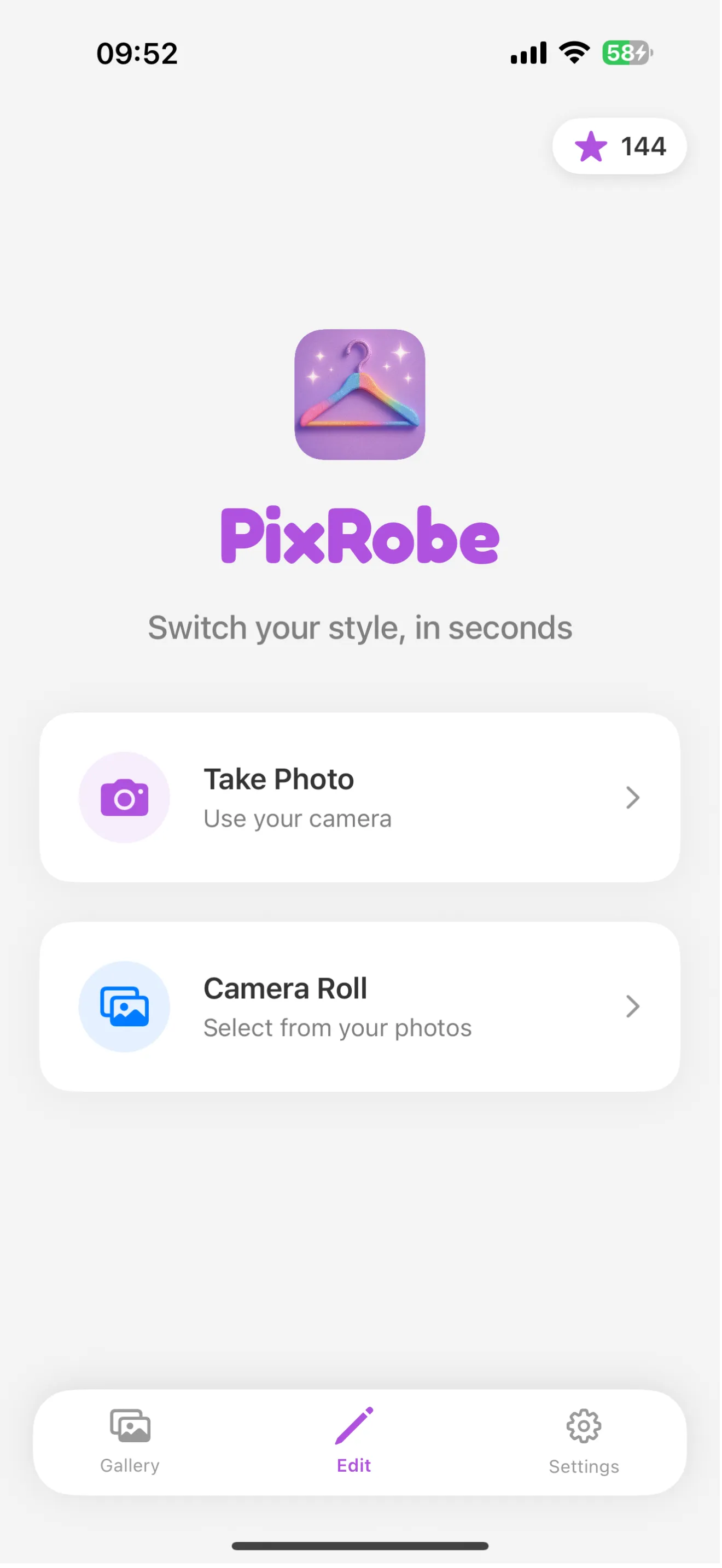
Take a new photo or choose one from your gallery. Our AI works best with clear, well-lit photos.

2
Choose Your Style - Step 2

Choose Your Style

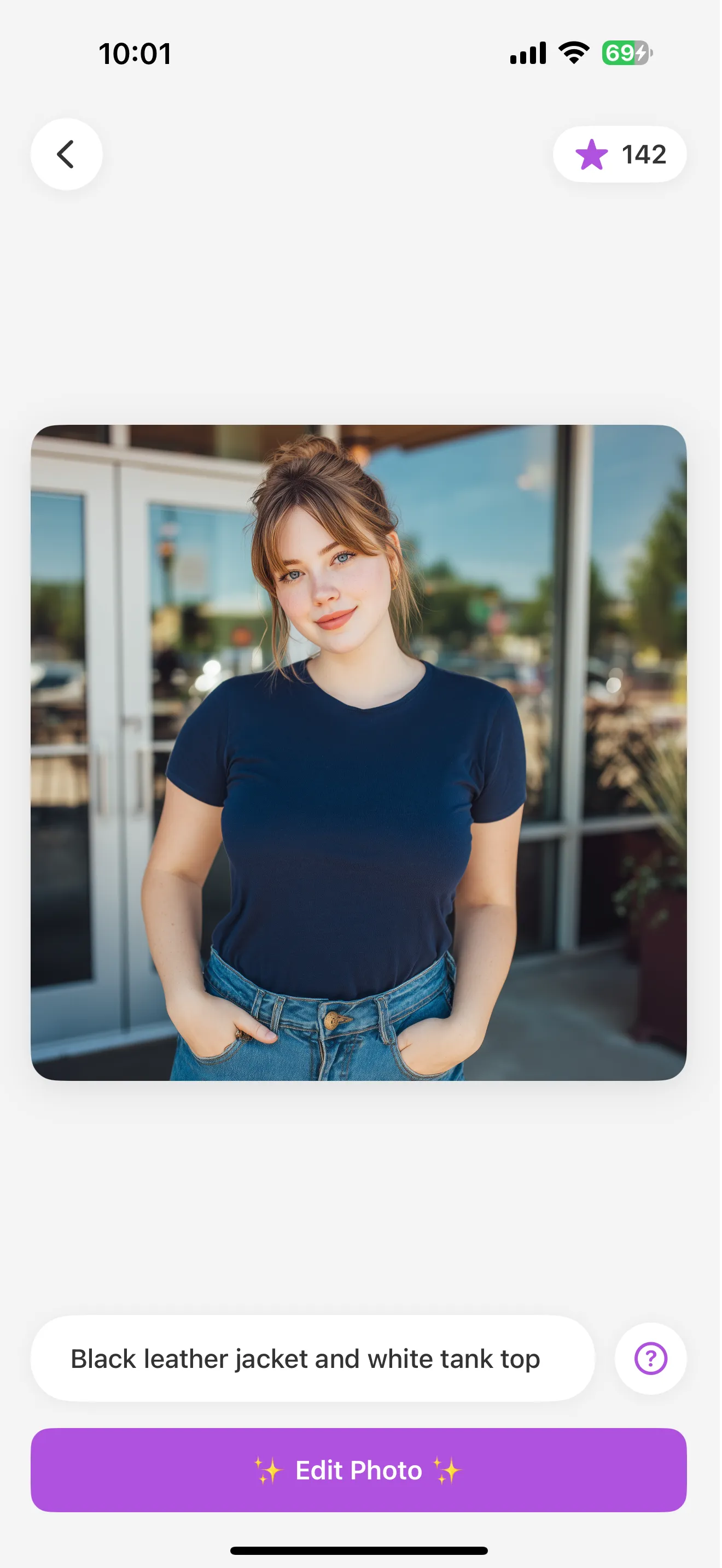
Describe anything want you want to wear and our advanced AI tech will use your description and uploaded photo to create a new outfit for you.

3
See the Magic - Step 3

See the Magic

Watch as our AI seamlessly transforms your outfit instantly. Share, save, or try another style!

Frequently Asked Questions

Everything you need to know about PixRobe's AI outfit changer

How does AI outfit changing work in PixRobe?

+

PixRobe uses advanced artificial intelligence and machine learning algorithms to analyze your photo, understand body shape and pose, and seamlessly replace your clothing with new outfits. Simply upload a photo, describe what you want to wear using natural language, and our AI will generate a realistic image showing you in that outfit. The technology considers lighting, shadows, and body contours to create natural-looking results in seconds.

Can I try on different clothing styles before buying clothes online?

+

Yes! PixRobe is perfect for visualizing how different clothing styles look on you before making a purchase. Whether you're considering casual wear, formal attire, streetwear, or gym outfits, you can experiment with various styles virtually. This helps you make confident fashion decisions and discover what looks best on you without the commitment of buying first. It's like having a virtual fitting room in your pocket.

Is PixRobe free to use or does it require a subscription?

+

PixRobe is free to download from the App Store and includes free credits to get started with outfit transformations. This allows you to try the AI outfit changer and experience the technology firsthand. For continued use and unlimited outfit generations, subscription plans are available that provide great value for fashion enthusiasts who want to regularly experiment with their style.

What types of outfits and clothing can I generate with the AI?

+

PixRobe supports an unlimited variety of clothing styles and outfits. You can generate casual everyday wear, professional business attire, elegant formal outfits, trendy streetwear, athletic and gym clothing, seasonal fashion, traditional cultural wear, and even creative or futuristic styles. Simply describe what you want to wear in your own words, and the AI will interpret your description to create matching outfits. The possibilities are truly endless!

How accurate and realistic are the AI-generated outfit changes?

+

PixRobe's AI technology creates highly realistic outfit transformations by analyzing body proportions, pose, lighting conditions, and environmental context. The results maintain natural shadows, wrinkles, and fabric textures that match your original photo's quality and style. While results can vary based on photo quality and complexity, most users find the transformations remarkably accurate and lifelike. For best results, use clear, well-lit photos with good resolution.

Do I need special photography skills to use PixRobe effectively?

+

No special photography skills are required! PixRobe works with regular photos taken on any smartphone. For optimal results, we recommend using clear, well-lit photos where your body is fully visible and in focus. Natural lighting works best, and avoiding blurry or heavily filtered images will help the AI produce better results. The app is designed to be user-friendly, making AI fashion transformation accessible to everyone regardless of technical expertise.

Ready to Transform Your Style?

Join thousands of users who are already experimenting with AI-powered fashion. Download PixRobe now and discover your perfect look.

Start Creating →

No download • Try any outfit • Results in seconds

Also on mobile

Try any outfit • Results in seconds

Ready to transform your style? Get PixRobe Free